Schedules by Constructable
Construction scheduling software for general contractors
Import your Primavera P6 or Microsoft Project schedule, or build it here. Link the activities, watch the critical path, plan the next three weeks with your subs, and publish one schedule the whole team works from. Every plan includes Schedules, with flat pricing and unlimited users.
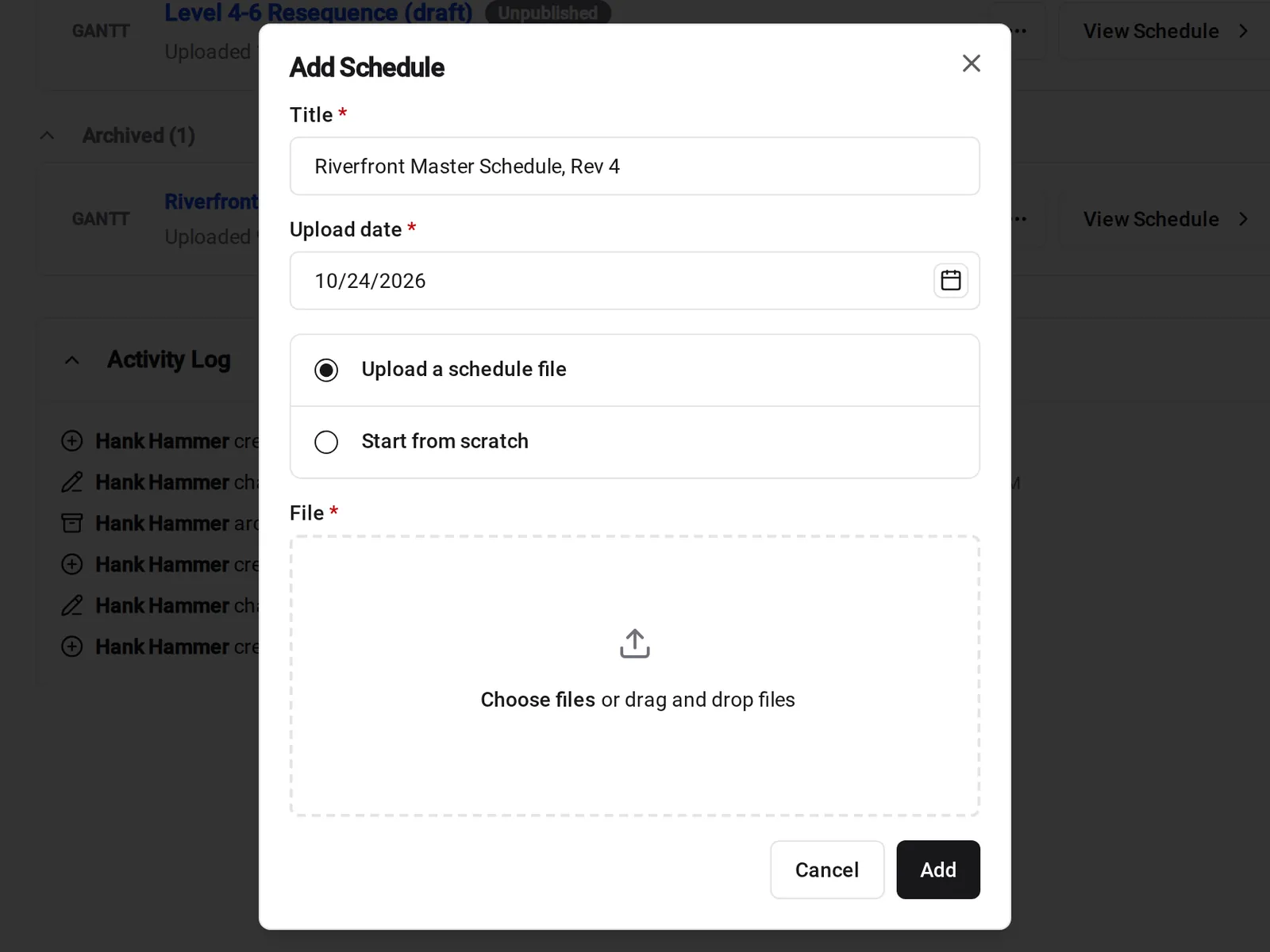
Import or build
Bring the schedule you have, or build it here
Upload the .xer or .mpp file your scheduler already keeps, or start from scratch and build the plan on the Gantt.
• Your scheduler works in P6 or Microsoft Project: upload the .xer or .mpp file, and its activities, links, and calendars come in with it
• You'd rather build it here: add activities, nest them into phases, set milestones, and drag bars to change dates. Each edit saves as you make it
• The owner sent a PDF: upload it, and it opens in the PDF viewer so everyone reads the same plan
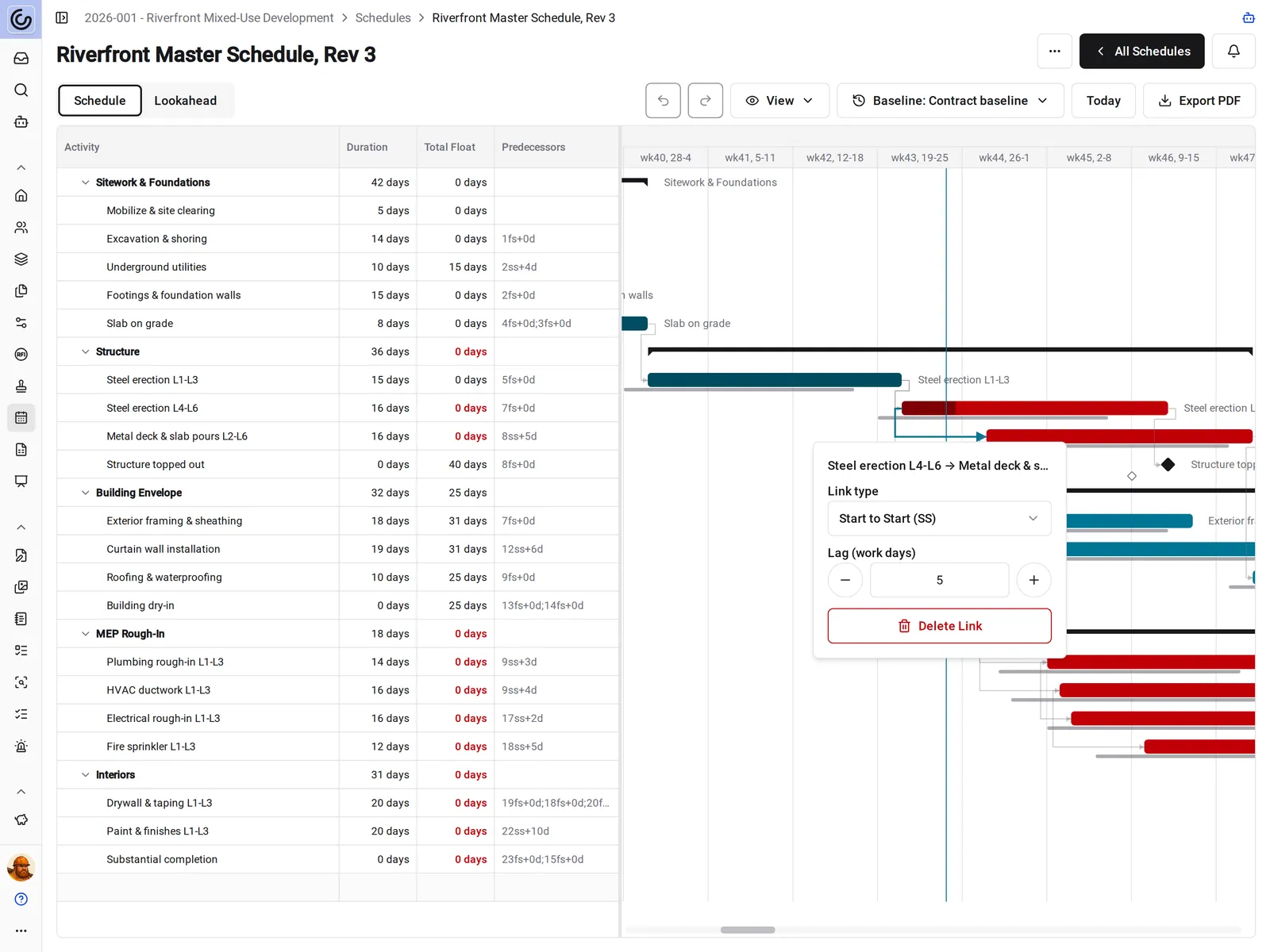
Links and critical path
See what a late delivery does to the finish date
Link activities finish to start, start to start, finish to finish, or start to finish, with lag in work days. When one activity slips, the work that depends on it moves later too.
• Steel shows up three days late: drag the bar, and every linked activity after it moves out on the work calendar
• Deciding what can slide: the Total Float column shows how many working days each activity can slip before it delays the finish
• Reviewing the plan: critical-path bars turn red, so the activities with no room to slip stand out
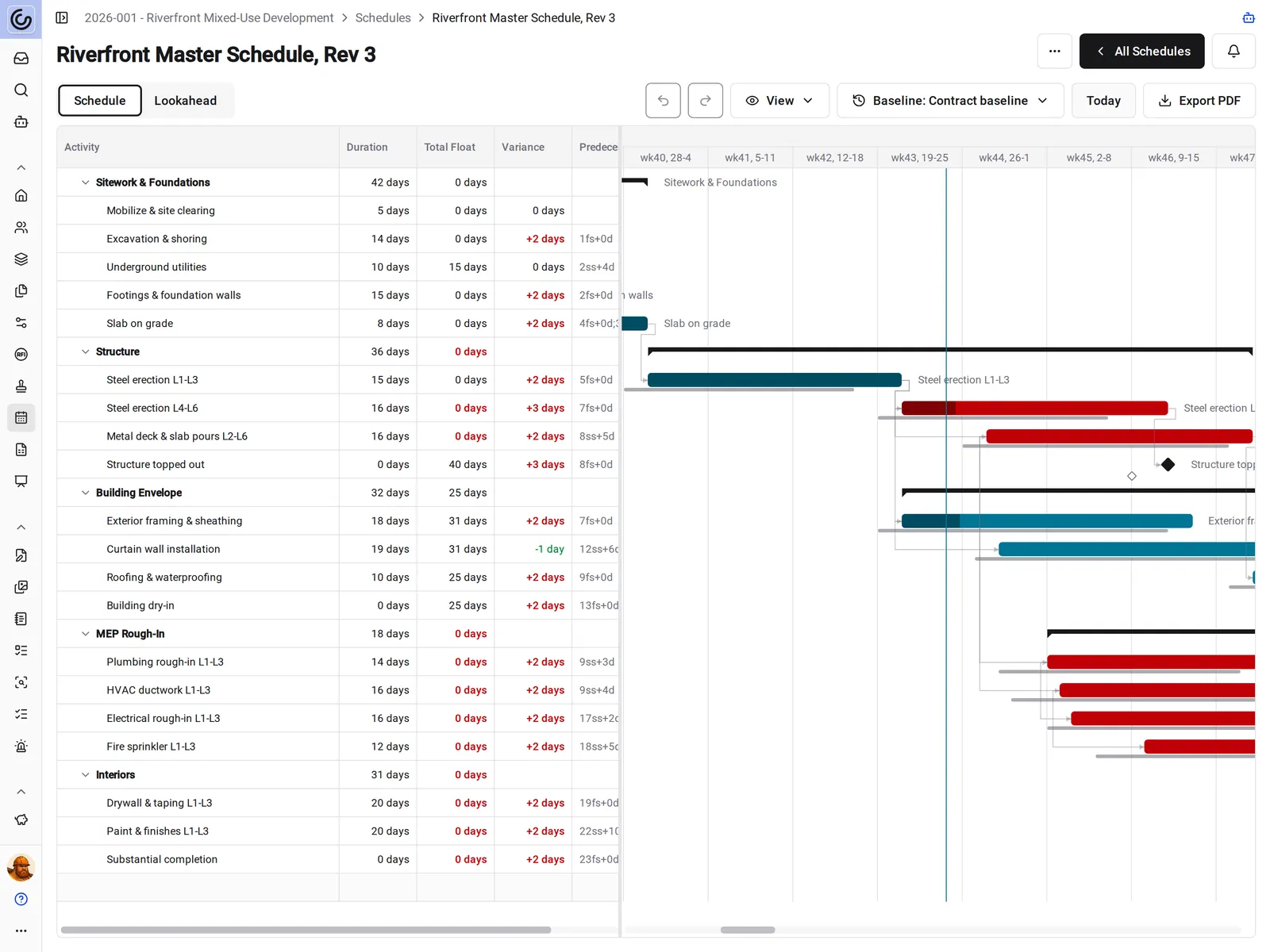
Baselines and variance
Show the owner how far the plan has moved
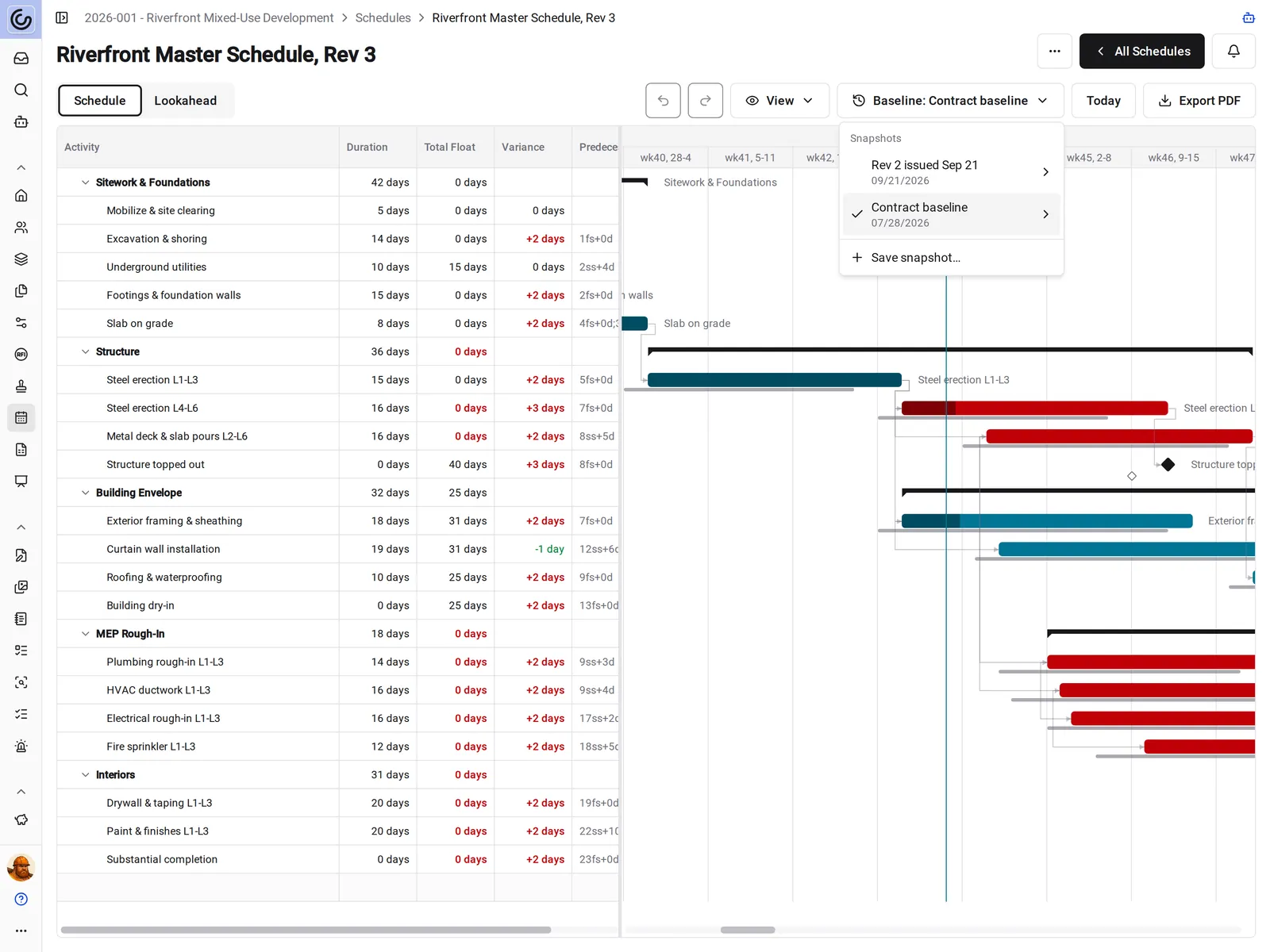
Save a snapshot of the plan and set it as the baseline. Baseline bars sit behind the current bars, and the Variance column shows how many working days each finish has moved.
• Monthly owner meeting: red numbers finish later than the baseline, and green ones finish earlier
• Trying a new sequence: save a snapshot first, and revert to it if the new sequence doesn't work
• Issuing a revision: save a named snapshot of each version you send, and compare against any of them later
Lookahead schedules
A three-week lookahead your supers can run
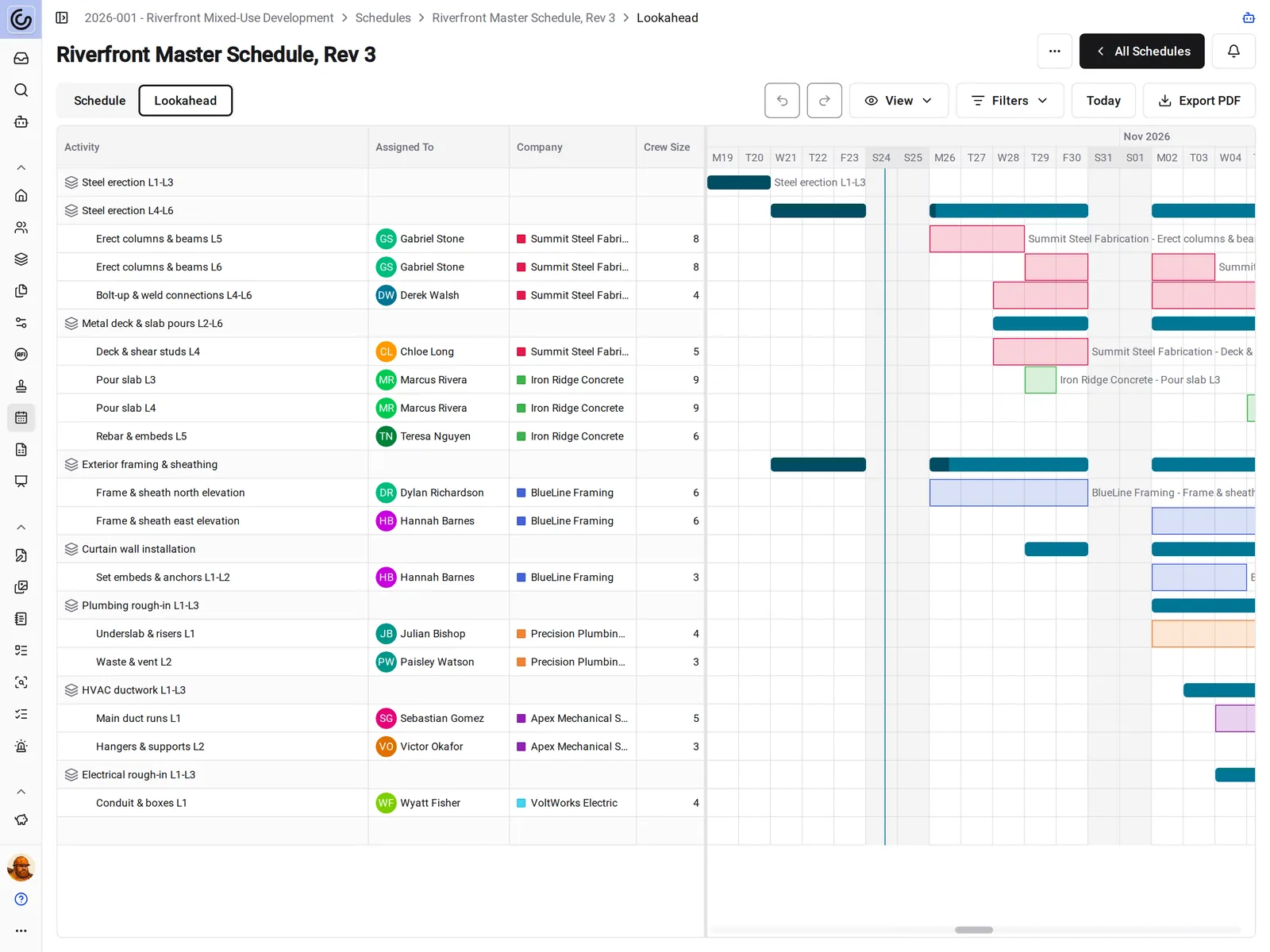
Lookahead breaks the next one to eight weeks into tasks under the schedule's activities, with who's on each task, which company, and how big a crew.
• Weekly subcontractor meeting: filter by company or assignee, and each company's bars show in its own color
• Posting it in the trailer: export a PDF of the lookahead that starts on the date you pick
• Plans change mid-week: drag a task's bar to its new dates, and the team sees the change as soon as it saves
Publish and archive
One current schedule, not five versions in email
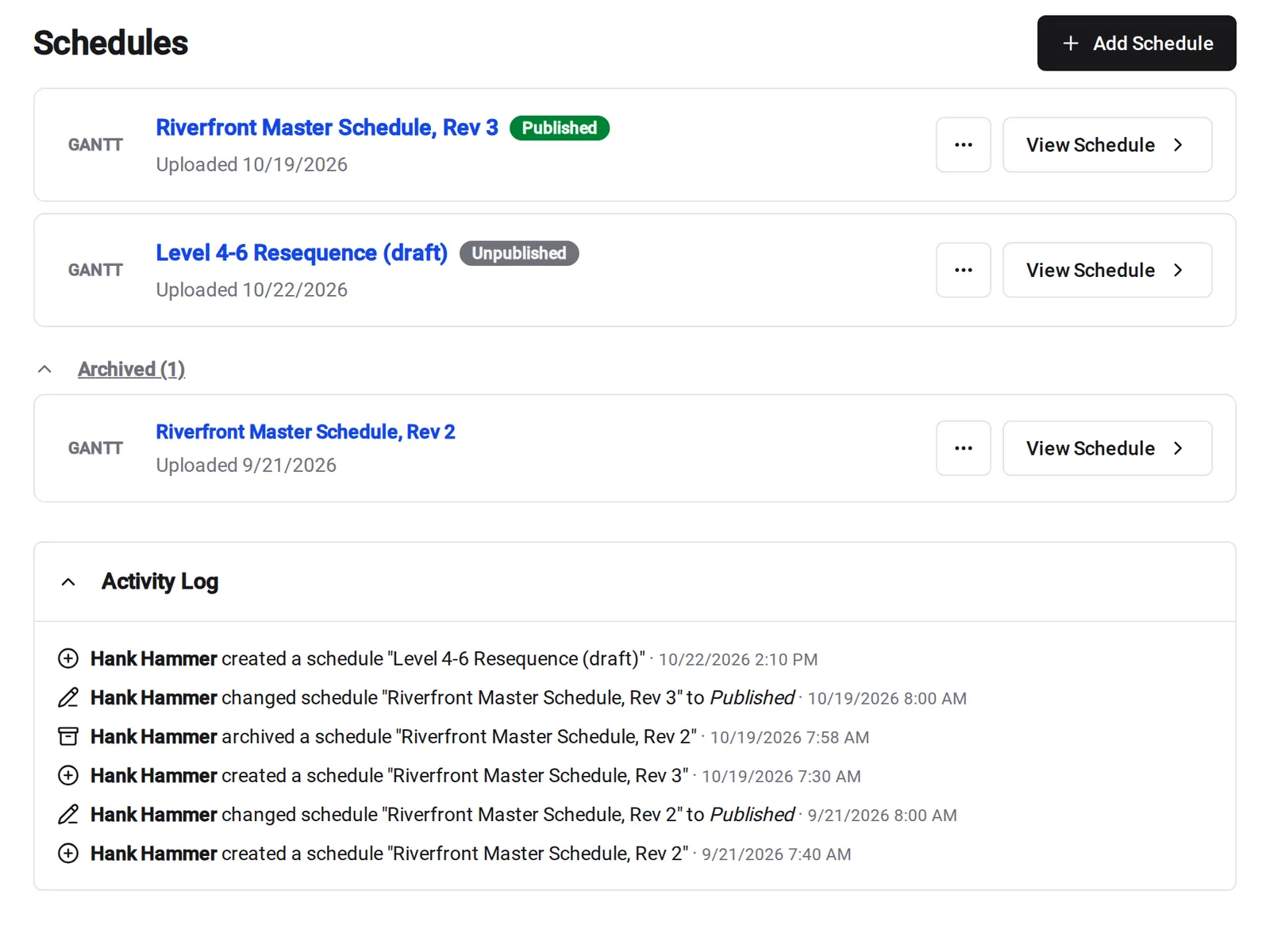
Every schedule starts unpublished, so you can check it before the team sees it. Publish it when it's issued, and archive the one it replaces.
• A new revision is ready: publish it, and people who follow schedule notifications hear about it
• The old schedule is superseded: archive it. It leaves the active list and stays on record under Archived
• Someone asks which one is current: every schedule shows a Published or Unpublished badge, and the activity log shows when each one was issued
On the jobsite
The schedule on every phone and iPad
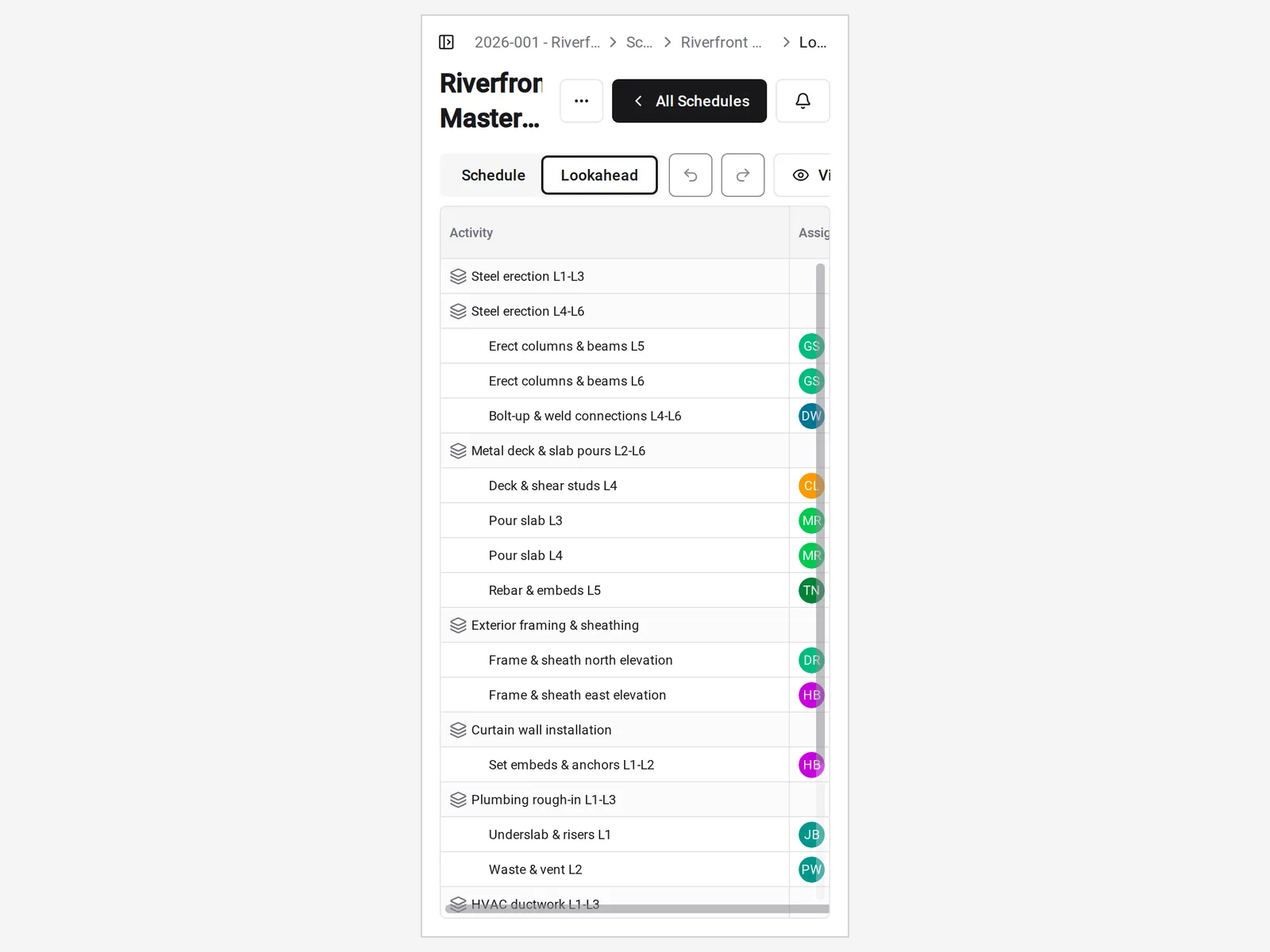
Open the schedule and the lookahead on mobile web or in the Constructable app for iPhone, iPad, and Android.
• A sub asks when they're up: open the lookahead and check their tasks and dates
• A date moves in the field: schedule managers can change dates and durations from a phone. Draw links on desktop web
• Subs need the plan: unlimited users means every subcontractor on the project can view published schedules at no extra cost
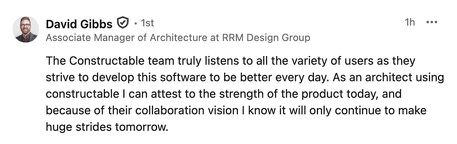
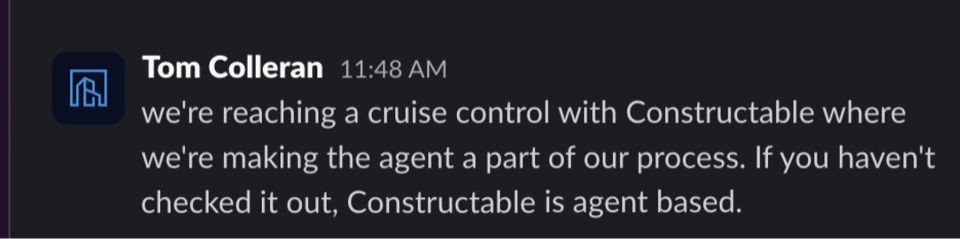
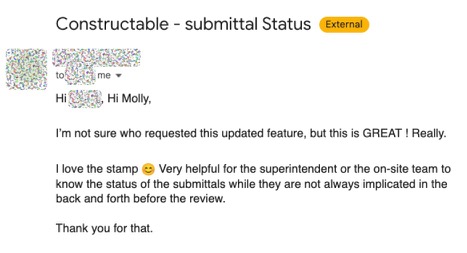
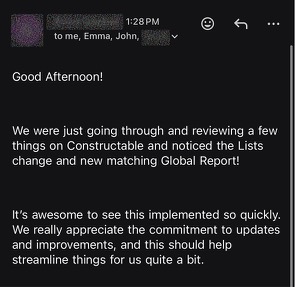
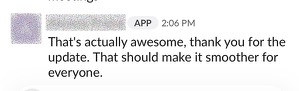
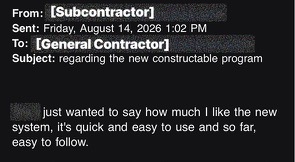
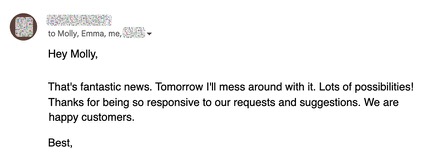
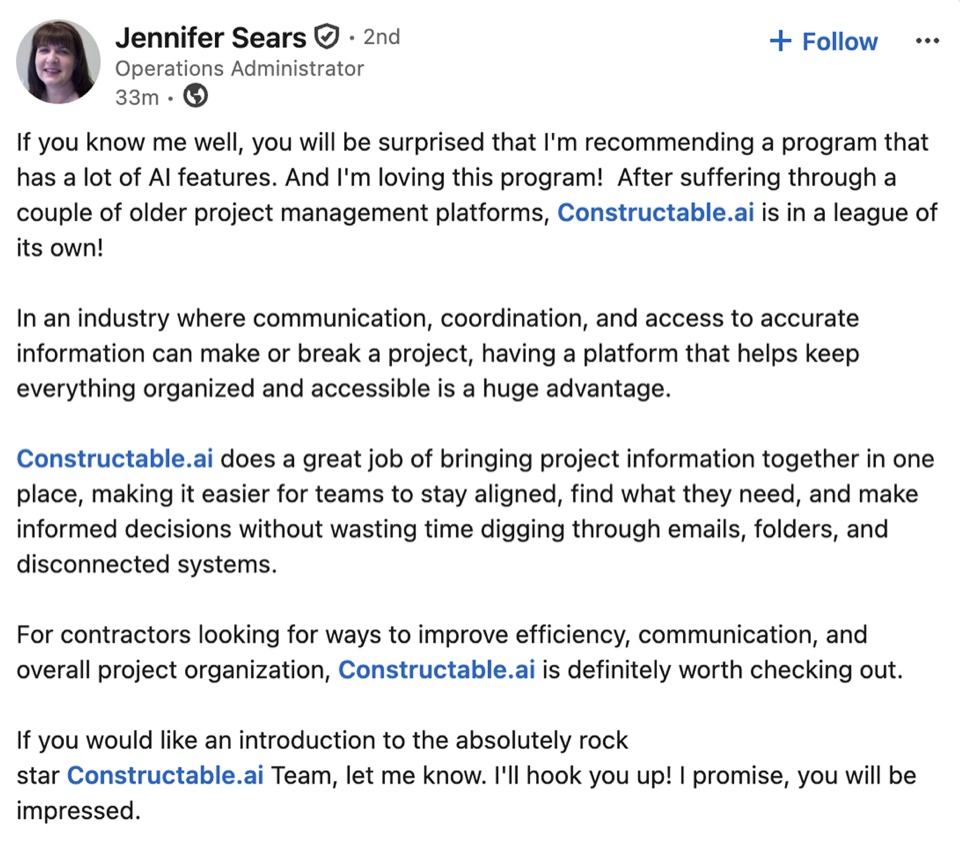
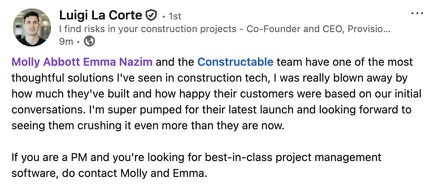
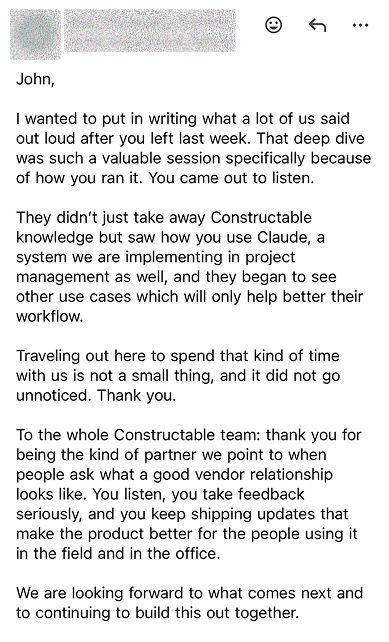
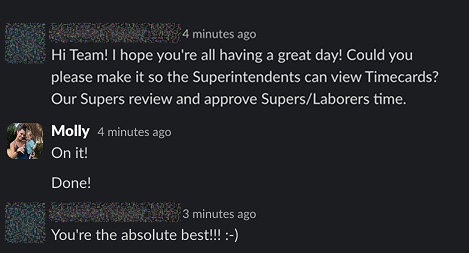
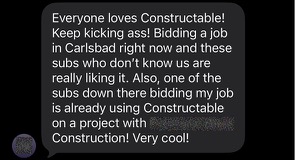
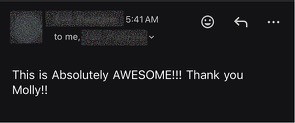
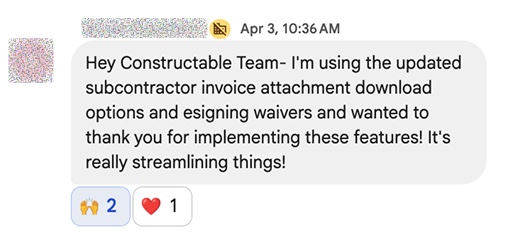
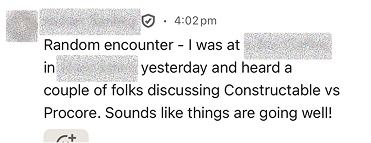
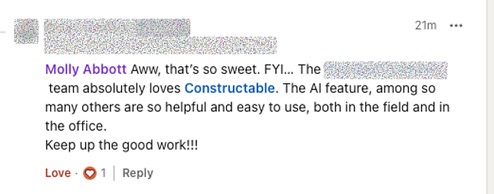
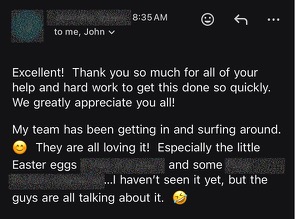
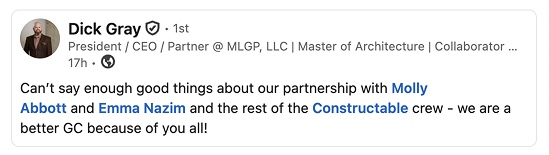
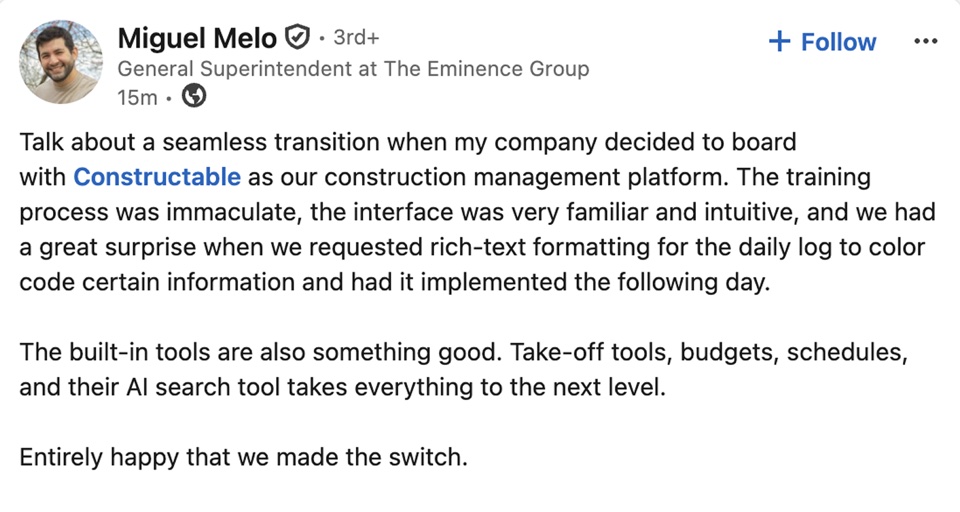
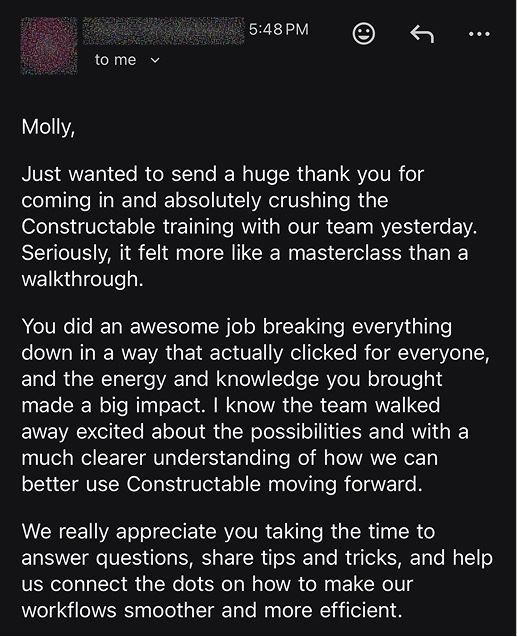
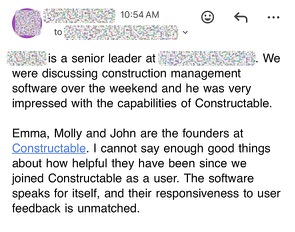
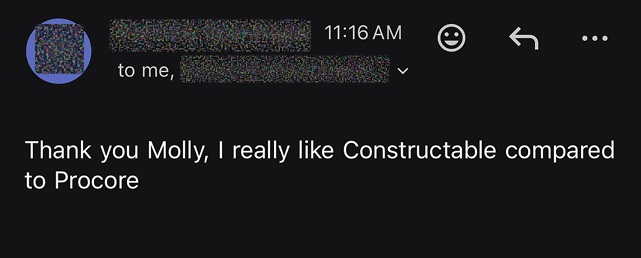
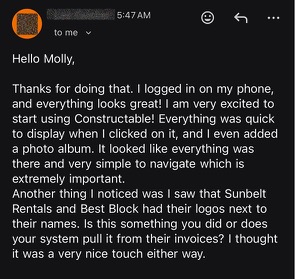
Hear from the GCs building with Constructable
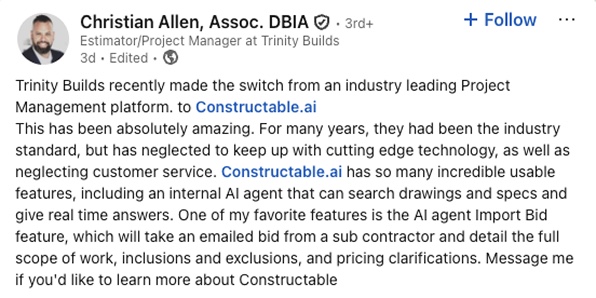
Loved in the office and in the field
Take your drawings anywhere with the Constructable app for iPhone, iPad, and Android.


Keep the job
on schedule.
Book a 30-minute demo with our team.
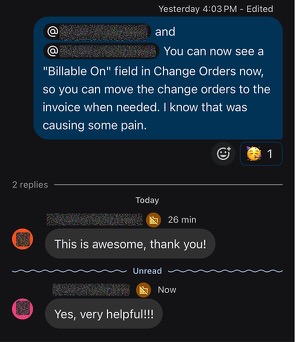
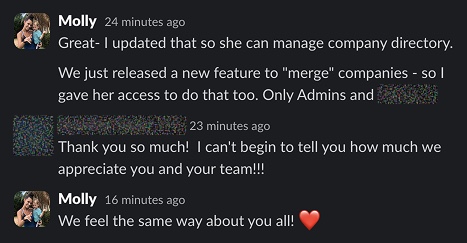
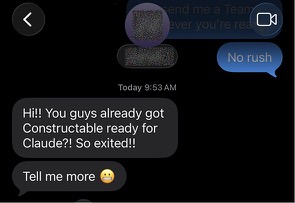
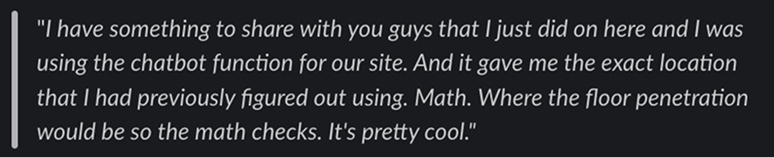
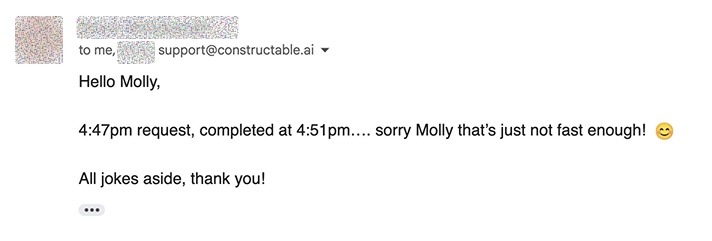
WallofHappiness







Frequently Asked Questions
Can I import Microsoft Project or Primavera P6 schedules?
Can I build a construction schedule from scratch in Constructable?
Does it show the critical path and float?
Can I set a baseline and track schedule variance?
What is a lookahead schedule, and can I make a two- or three-week lookahead?
Can I print or export the schedule and lookahead as a PDF?
Can subcontractors and the field see the schedule on their phones?
How do I keep people from working off an old schedule?
Is scheduling included in my plan?
with better bids
more time building
at a glance